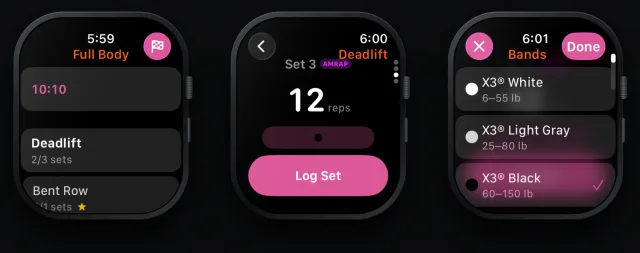
Your next workout, on your home screen
Rubber Bands 3.6 adds two iPhone widgets: Up Next and Streak. See today's workout and your week without opening the app.

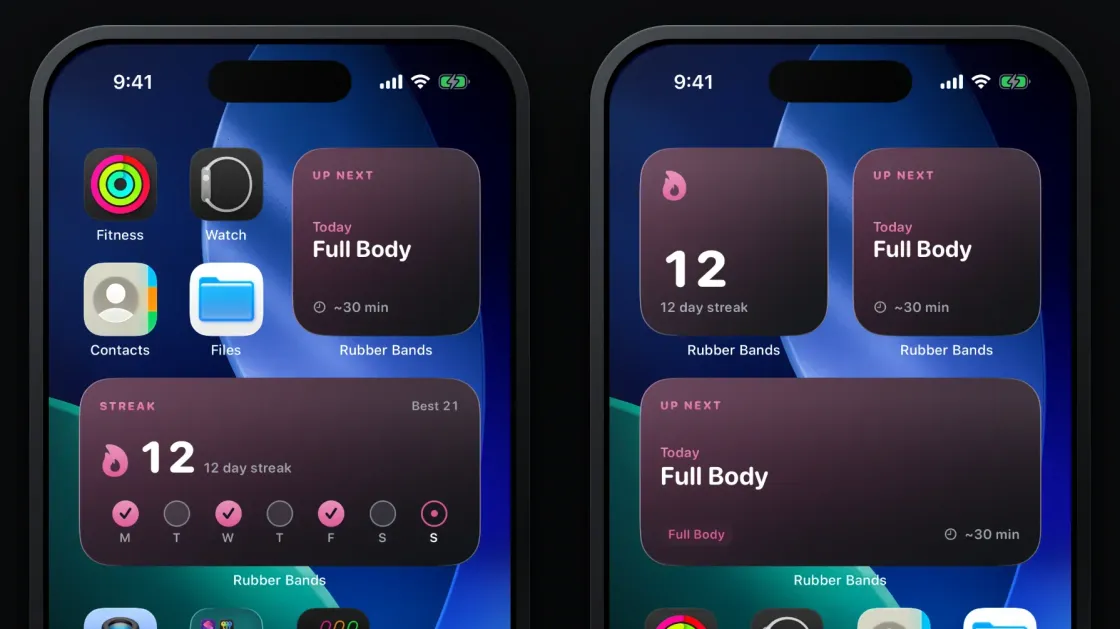
The hardest part of any training plan is not the workout. It is the days you never open the app. Rubber Bands 3.6 for iPhone adds two home screen widgets that put your plan where you already look a hundred times a day, so the next session is never a mystery and your week is never out of sight.
Up Next: the answer to "what am I doing today?"
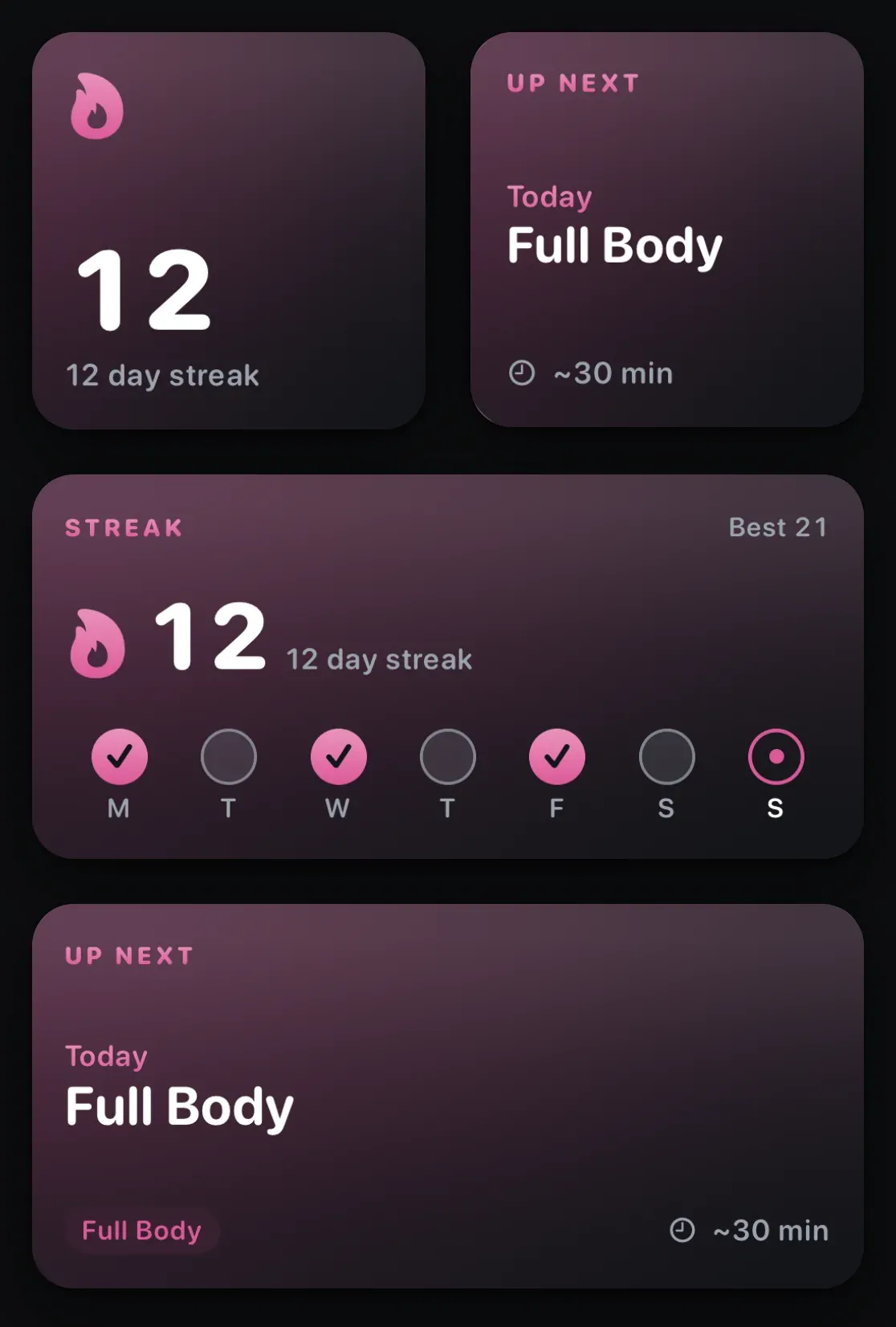
Up Next reads your weekly schedule and shows the next workout on it. If today is a training day, you see Today in your accent color, the workout name, and the estimated time. If today is a rest day, it shows the weekday of your next session instead. The medium size adds the muscle groups the workout targets.
That sounds small. It removes the one decision that quietly kills consistency: figuring out what you are supposed to do before you have decided whether to do it. When the plan is already on the screen, starting is the only step left.
The widget is honest about the other states too:
- Done for today once you finish, with your next scheduled day underneath.
- Set a schedule to start a streak if you have not picked training days yet.
- Open the app to refresh if it has been a while since the app last synced.
Tap it and you land on the home tab with the workout ready to start.
Streak: your week at a glance
The Streak widget shows your current streak, your best, and a seven day strip of the week. Filled circles are sessions you completed, the ringed dot is today, dashed rings are the scheduled days still ahead, and dim circles are rest days.
Streaks in Rubber Bands are built on your schedule, not the calendar. A rest day never breaks a streak. You only have to show up on the days you said you would, whether that is three days a week or six. The widget makes that visible: you can see in one glance that Monday and Wednesday are done and Friday is still open, and that is usually enough to keep Friday from slipping.
Consistency beats intensity. A modest plan you actually follow for months will do more for you than a perfect plan you abandon in week three. The streak is not there to guilt you. It is there to make sticking to the plan feel like something you are already doing, rather than something you have to start again.
On the lock screen while you train
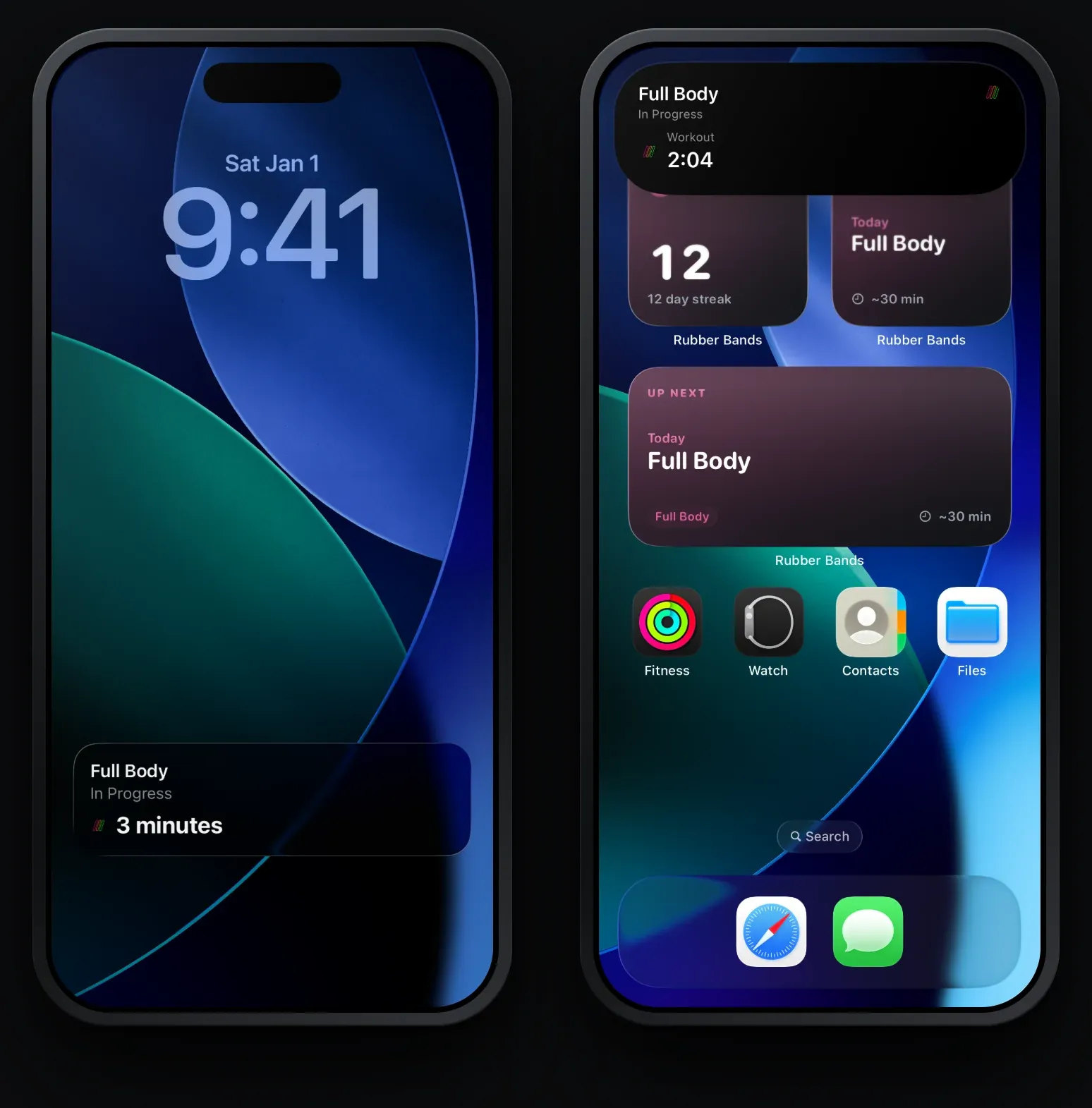
Once a workout is running, Rubber Bands also keeps a Live Activity on the lock screen and in the Dynamic Island. You get the elapsed time without unlocking, a rest countdown with a progress bar when the rest timer is running, and a tap to jump straight back into the workout. Long press the Dynamic Island to expand it.
How to add the widgets
- Update Rubber Bands to version 3.6 or later.
- Touch and hold an empty area of your home screen until the apps jiggle.
- Tap Edit in the top left, then Add Widget.
- Search for Rubber Bands, pick Up Next or Streak, swipe to choose a size, and tap Add Widget.
Widgets need iOS 17 or later. They update automatically when you finish a workout, change your schedule, or change your accent color or theme in the app, and they flip over to the next day at midnight on their own. Small widgets also show up in StandBy when your phone is charging on its side.
If you would rather not see a streak at all, turn off Show streak in Settings and keep just the Up Next widget.
Android users: the widgets are iPhone only for now. The Up Next and Streak cards are still on the home tab in the app, and the workout and rest timers run in a notification while you train.